


This index has been replaced by the DigiKey Field Guide for Industrial Automation. The Field Guide is organized by task and kept current.
If you work with Siemens PLCs, distributed I/O, or automation hardware, datasheets aren’t enough. They tell you limits. They don’t tell you what breaks, what’s confusing, or what everyone gets wrong the first time.
These technical briefs explain how the hardware and software behave in real applications. They cover wiring, configuration, common mistakes, and practical design limits.
Each article includes:
- Clear explanations
- Annotated diagrams that highlight the important parts
- Troubleshooting notes based on real failures
- Specific DigiKey part numbers used in the examples
The articles are organized by topic, including:
- Siemens hardware components and protection
- Distributed I/O systems
- LOGO! controllers
- S7-1200 PLC programming in TIA Portal
Below are the Siemens technical briefs, grouped by topic.
Components
Core Siemens hardware, selection guides, and protection basics:
Applications
Practical use cases and integration guides:
Programming the S7 PLCs in TIA Portal
TIA Portal tips and function block examples:

-
Understanding the Siemens Data Block (DB) File Format in TIA Portal
-
Building a State Machine in Siemens TIA Portal — State machines across multiple Siemens languages (first article in a series)
-
Make Your PLC Play a Song: Mastering Siemens PLC Memory Arrays
-
Emulating Enumerated States in Siemens PLCs for Module-to-Module State Transfer
-
PLC Response Time Explained: Hardware Interrupts vs the Scan Cycle
-
Scalable Modbus Architecture in TIA Portal: The Nth Device Strategy
Distributed I/O
Getting started with ET 200SP and expansion modules:
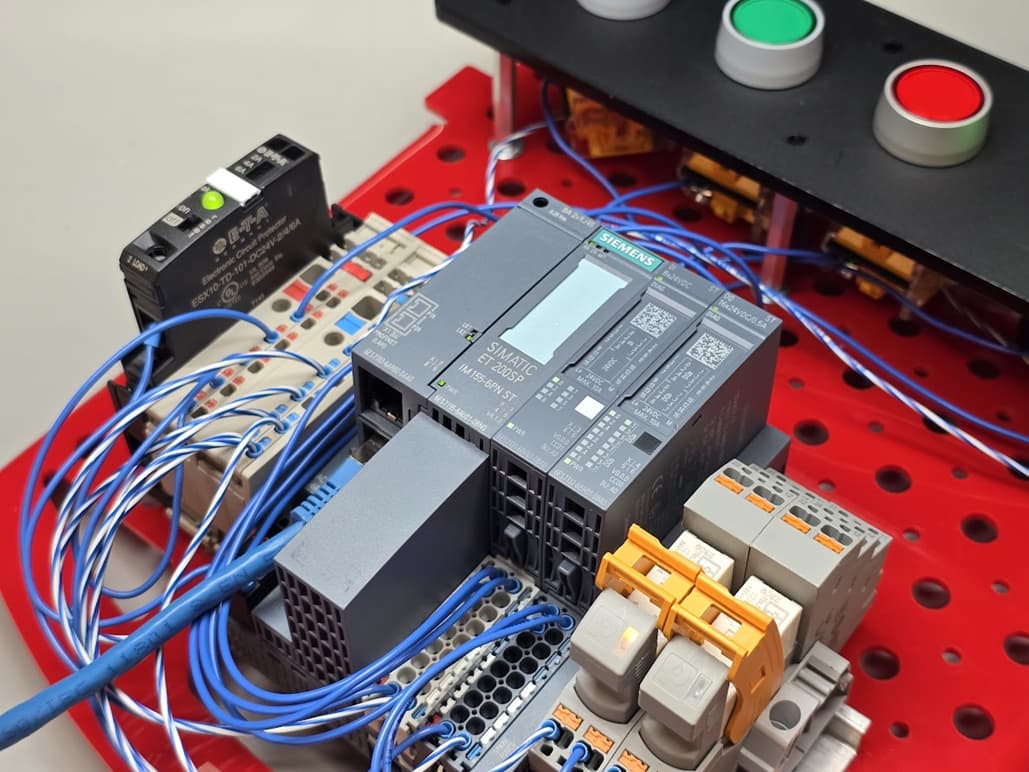
Programming LOGO!
Entry-level Siemens controller configuration and troubleshooting:

-
Where is the ladder logic timer's Q output for the Siemens LOGO! PLC?
-
Runtime Network Health Monitoring Between a Siemens S7 and LOGO! PLC
 This page was generated with AI assistance and curated from engineer-authored technical briefs on DigiKey.